EasyAR Dense Spatial Map
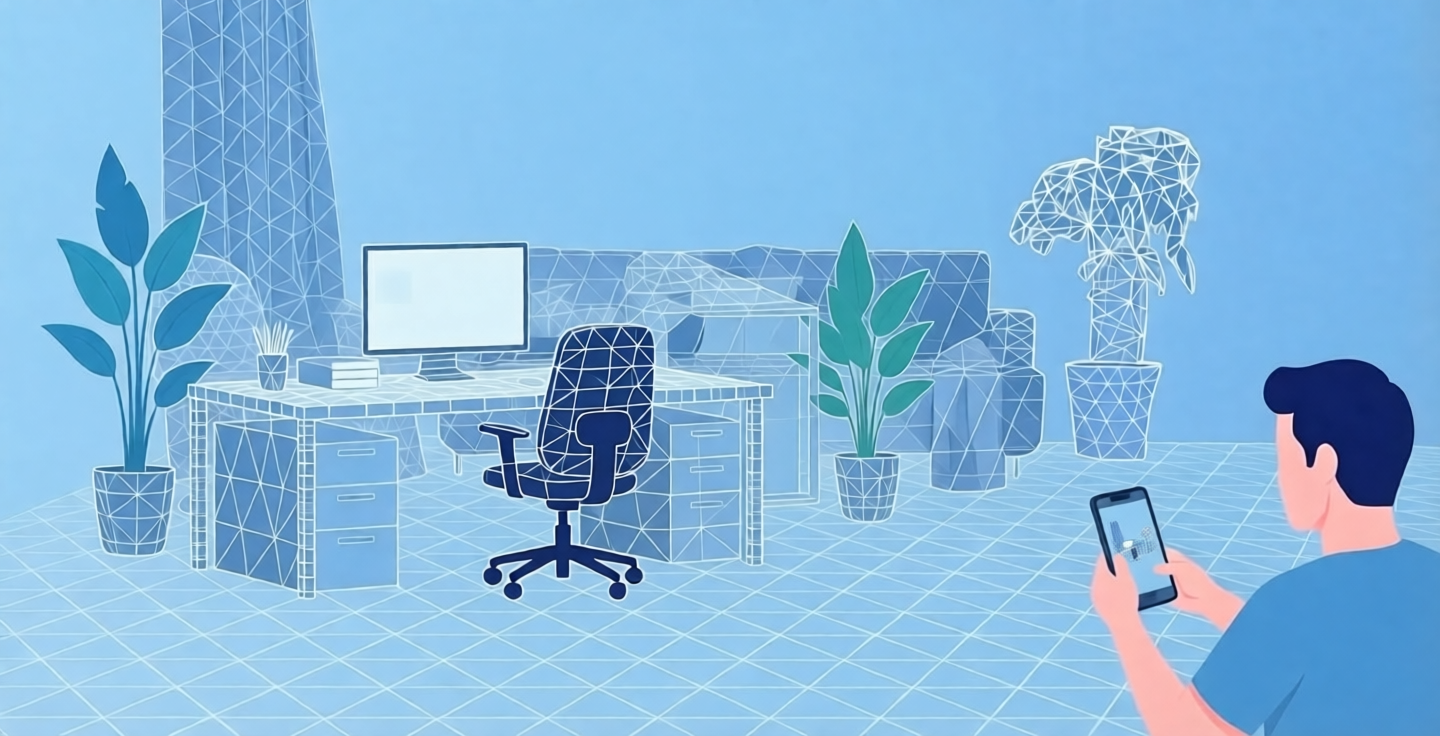
EasyAR Dense Spatial Map uses camera data from the device to reconstruct the surrounding environment in 3D, producing dense point cloud maps and mesh maps. Dense Spatial Map helps virtual objects blend better into the real environment, enabling AR applications with correct occlusion and collision between real and virtual objects.
Introduction to Dense Spatial Map
Based on motion tracking, EasyAR Dense Spatial Map analyzes camera data from the device, builds dense point cloud information for the environment, and gradually fuses and constructs a mesh to obtain a geometric representation of the environment. This can be used to implement effects such as occlusion between virtual objects and the real environment, improving the realism of the AR experience.
EasyAR Dense Spatial Map requires a stable motion tracking system to provide 6DoF camera position and pose, which can be obtained from the EasyAR motion tracking module or from ARKit/ARCore.
Best practices
To obtain good reconstruction results, users are advised to operate as follows:
- Move the phone sideways as much as possible and avoid rotating it in place.
- Cover as many scanning angles as possible.
- Do not reconstruct large solid-color areas or reflective objects.
- Avoid fast movement or blocking the camera.