Enable EasyAR features in an iOS app
This chapter describes how to configure an EasyAR iOS project in Xcode without using a 3D engine such as Unity.
Preparation
Before you begin, prepare the following:
Xcode 16 or later
Obtain an EasyAR license
Select an EasyAR Sense release version and download it
Enable EasyAR with Objective-C
Add Frameworks
Add
easyar.xcframeworkinFrameworks, Libraries, and Embedded Content.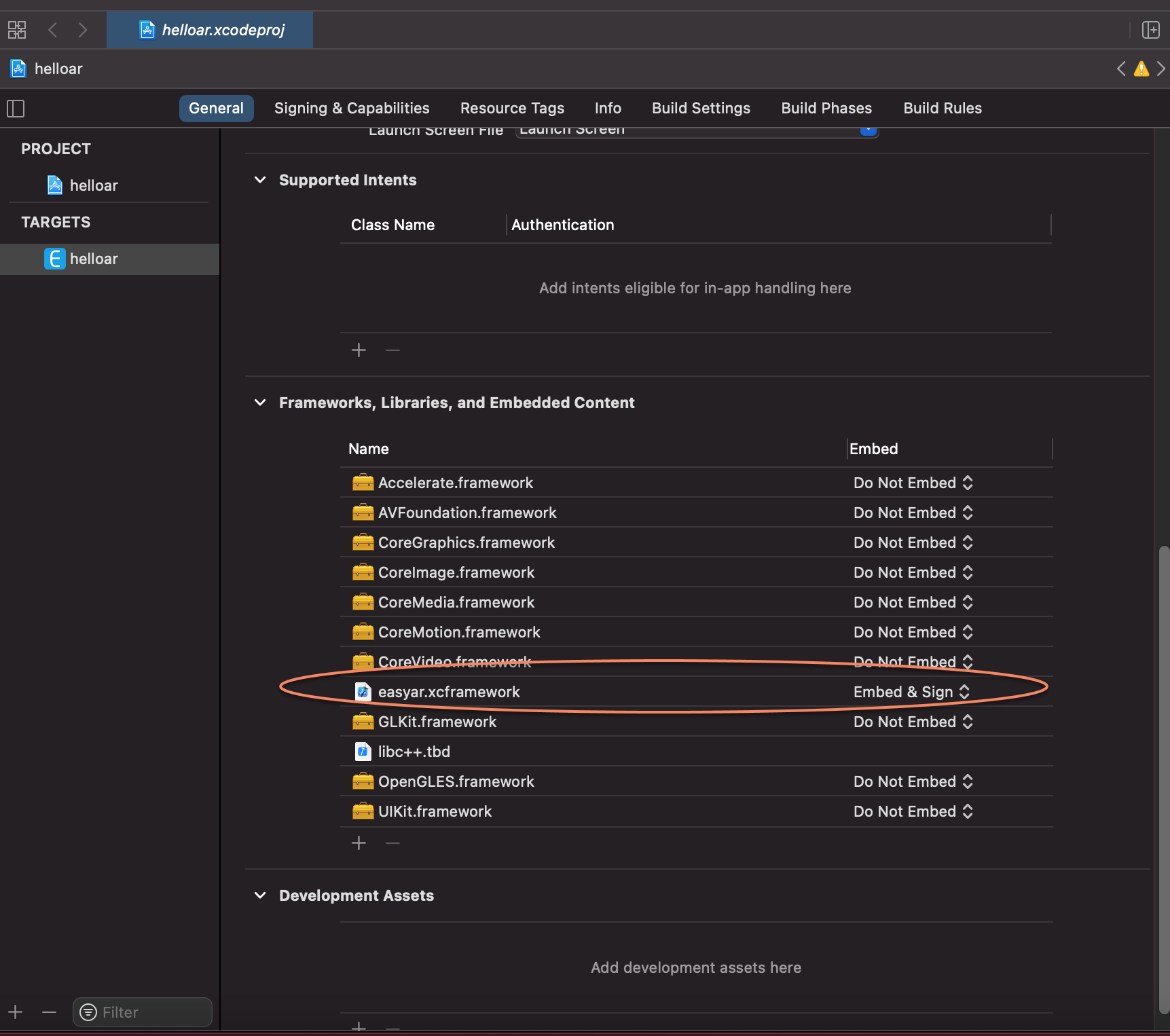
Disable Bitcode
EasyAR does not use bitcode and does not provide bitcode compatibility, so bitcode needs to be disabled in the configuration.
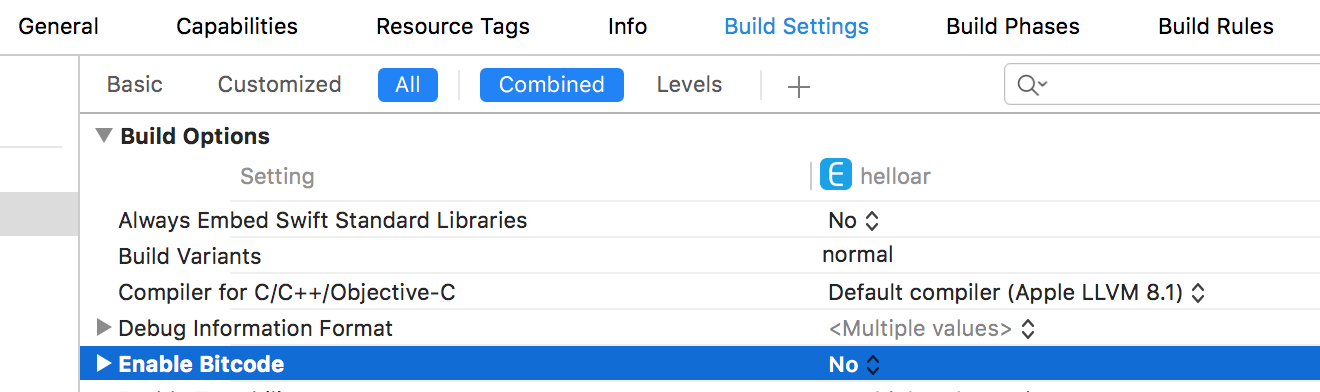
Initialize EasyAR
Use the
initialize:method ofeasyar_Engineto initialize EasyAR. You can add initialization code as follows:[easyar_Engine initialize:key];Privacy configuration
Because AR needs to use the camera, add
Privacy - Camera Usage Descriptionto the privacy configuration.
If screen recording is used, add
Privacy - Microphone Usage Descriptionto the privacy configuration.
Enable EasyAR through the Swift API
The EasyAR Sense Swift API is provided as source code, which provides the best compatibility (Apple has provided ABI compatibility since Swift 5).
To use the EasyAR Sense Swift API, first create a framework project and then embed the framework target into your project.
Create an EasyARSwift framework project
Create a new Cocoa Touch Framework project and name it
EasyARSwift.You can choose to embed the EasyARSwift project into your app project or create an independent project.
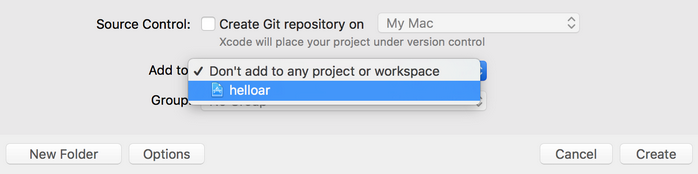
Import EasyAR Swift code into the EasyARSwift project
The EasyARSwift.h file automatically generated by XCode is not used and can be safely deleted.
Configure
Objective-C Bridging Headerin build settings
Note
This option will not appear in XCode options before importing Swift files, so be sure to import the Swift code first before changing this configuration.
Import
easyar.xcframeworkinto the EasyARSwift projectDisable Bitcode
EasyAR does not use bitcode and does not provide bitcode compatibility, so make sure bitcode is disabled in the configuration.
Deployment Target
Modify
deployment targetaccording to your app project, and make sure thedeployment targetof the EasyARSwift project is less than or equal to that of the app project.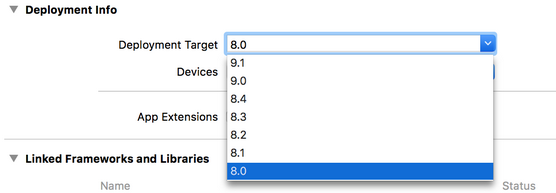
Embed and use the EasyARSwift framework
Embed the EasyARSwift framework in the project

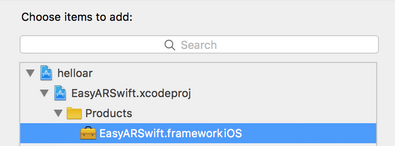
import EasyARSwiftin Swift source code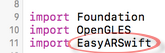
For coding style, refer to the code in the HelloARSwift sample or the API Reference.