Annotation Dataset Component
The annotation dataset is the ema data stored in the Mega positioning service. It can be used in the verification tool of Mega Toolbox and can also be freely used by application developers.
Note
This component should not be used when developing Unity applications.
Select an Annotation Dataset
Click the button on the right side of the annotation dataset.
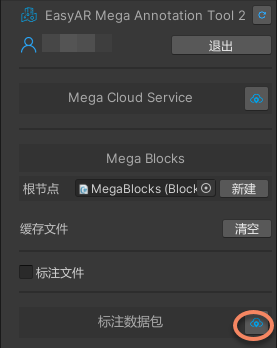
Select the Mega positioning service and create an annotation dataset.
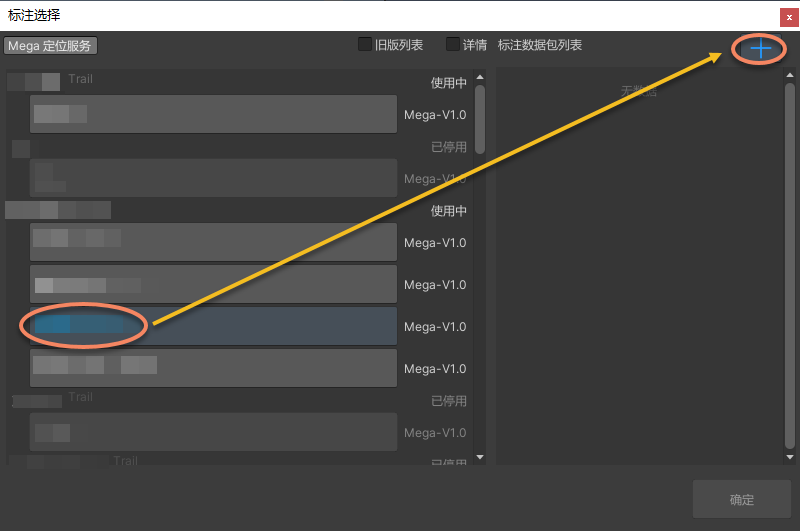
After clicking
+, enter any name in the input box, and then click√to complete the creation.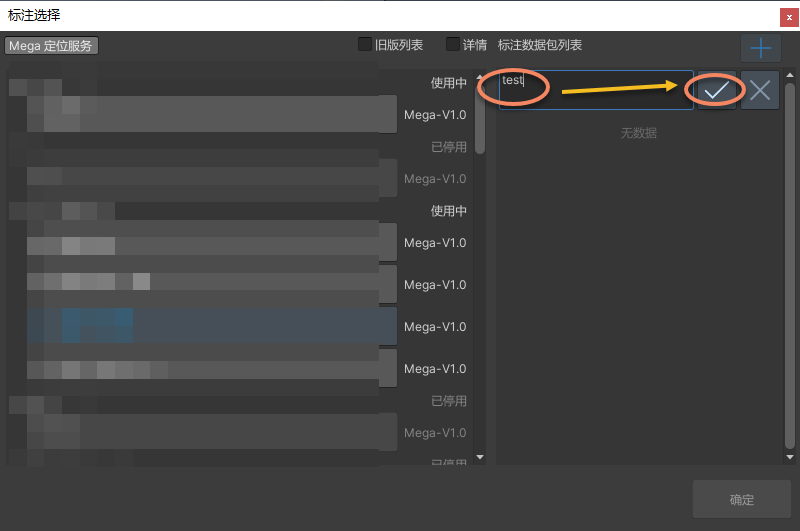
Select the created annotation dataset.
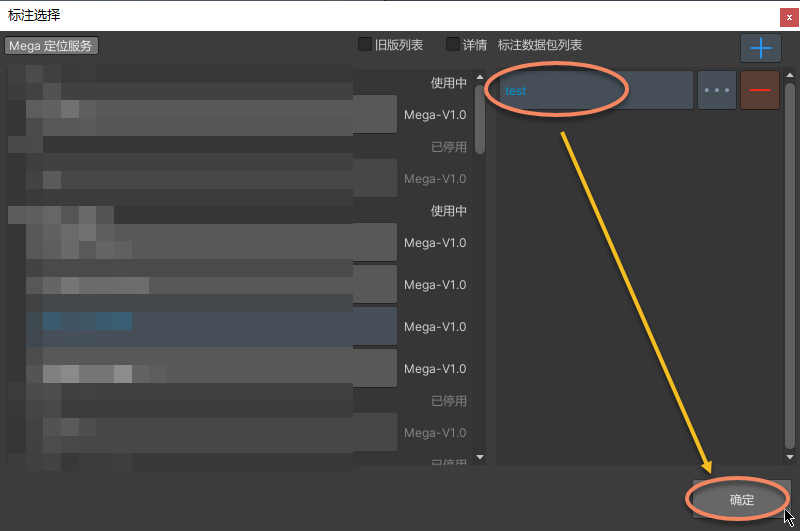
Upload Annotation Data
After the annotation is completed, the annotation data can be updated to the server.
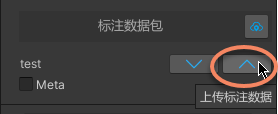
After uploading the annotation data, it can be used in the verification tool of Mega Toolbox. Log in to Mega Toolbox with your EasyAR account and select the annotation dataset to perform on-site tracking and positioning verification.
View the Uploaded Annotation Data
After the annotation data is updated to the server, the record can be viewed in the corresponding service management.
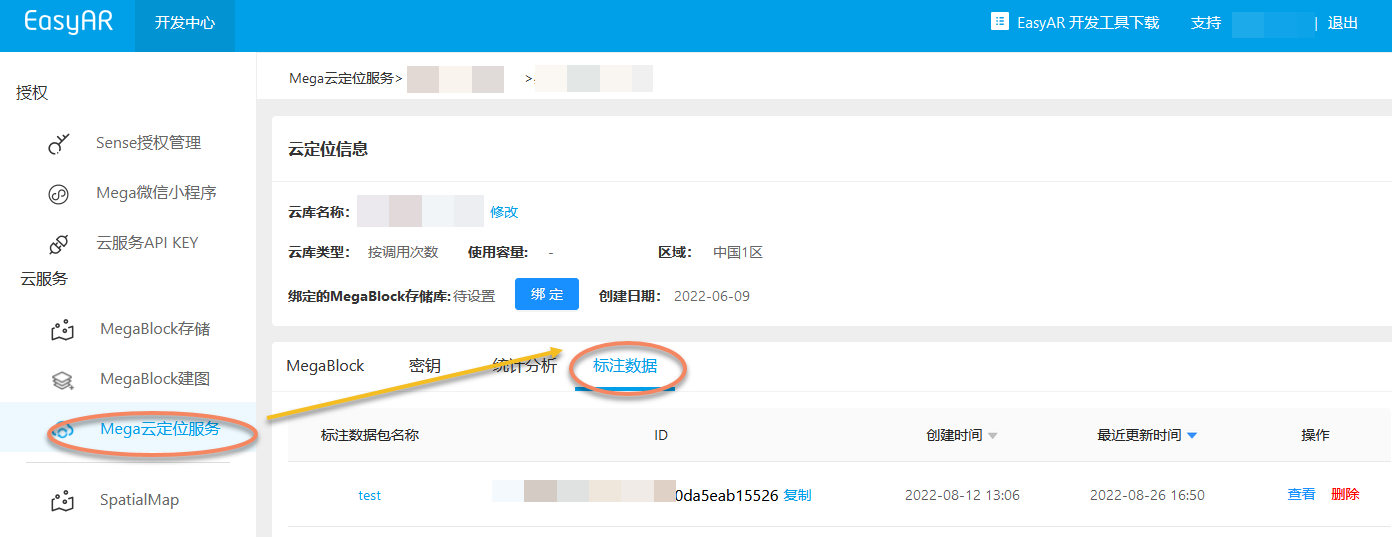
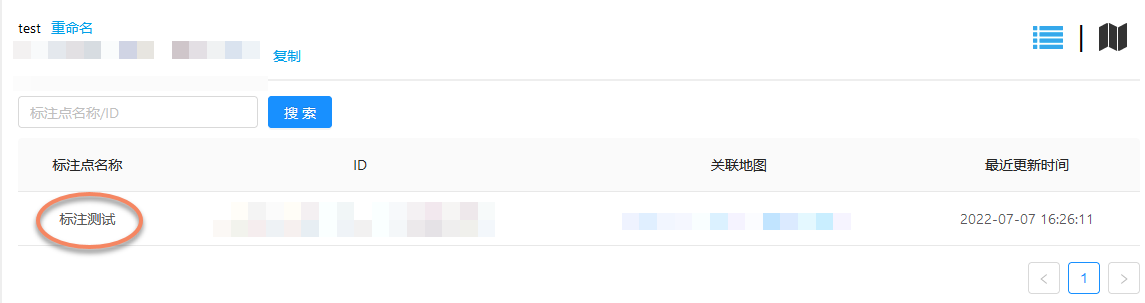
After clicking to enter, you can see some details of the annotation content.
Note
- The data synchronized to the server only includes the annotation data itself (you can export the annotation file to view detailed information).
- If a model is added in Unity, the model content will not be synchronized to the server.
- EasyAR does not provide model storage and dynamic loading services.
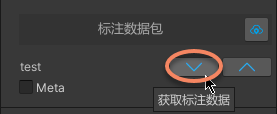
Retrieve Annotation Data
If you need to use the annotation dataset again, after selecting the annotation dataset, you can update the annotation data from the server to the tool, and the annotation data will be displayed in the corresponding position.