Collect abnormal data on OST devices
When AR visual effects are abnormal on an OST device, keep a screen recording of the abnormal phenomenon in time and send it to the EasyAR technical support team.
Screen recording
Limitations of the screen recording feature on OST devices:
Missing real-scene image: the screen recording feature of OST devices records only the virtual content layer, such as GUI, 3D models, and UI pointers.
Missing environment background: when you play back the video on a computer or phone, you will see virtual objects on a pure black background, with the context of the real environment completely lost.
Failed real-virtual occlusion: if virtual objects should be occluded by real objects, such as your hand or a table, they will float on the black screen in the recording and look like an incorrect layer relationship.
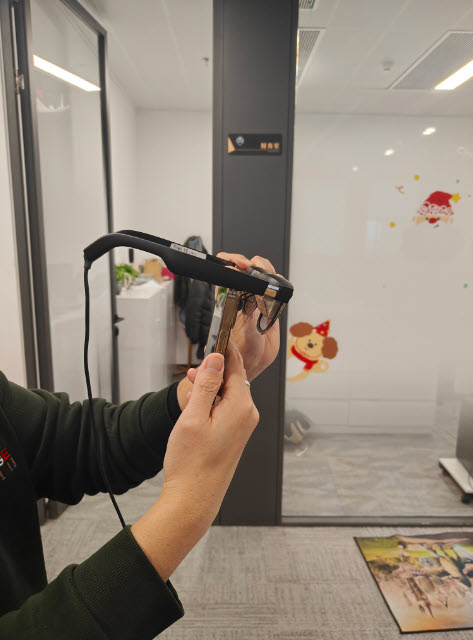
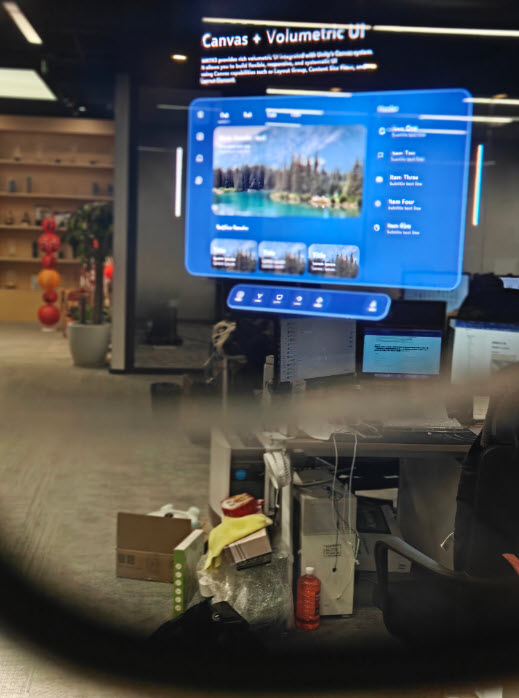
Recommended solution: To record dynamic AR anomalies that include environmental interaction, use a phone or camera to shoot through the lenses of the OST device.
File feedback
Send the collected screen recording file to the EasyAR technical support team.