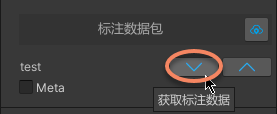
Annotation dataset component
An annotation dataset is ema data stored in the Mega localization service. It can be used in the verification tool of Mega Toolbox, and can also be used freely by application developers.
Note
This component should not be used when developing Unity applications.
Select annotation dataset
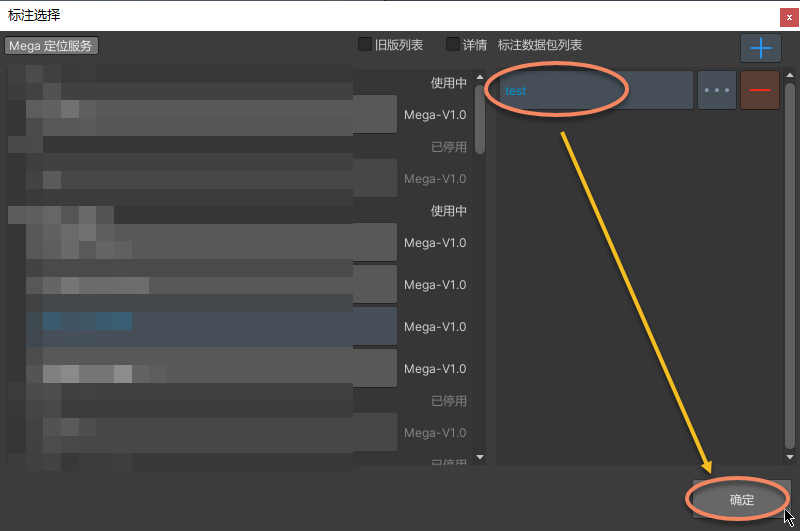
Click the button on the right side of the annotation dataset.
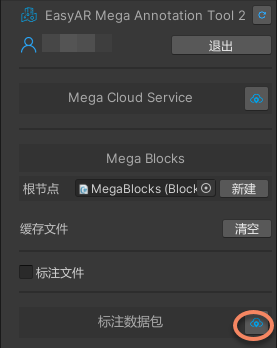
Select the Mega localization service and create an annotation dataset.
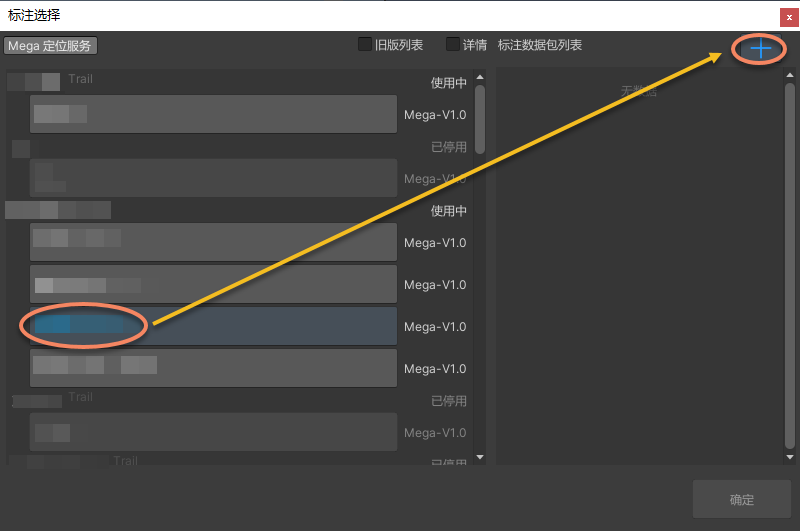
After clicking
+, enter any name in the input box, then click√to complete creation.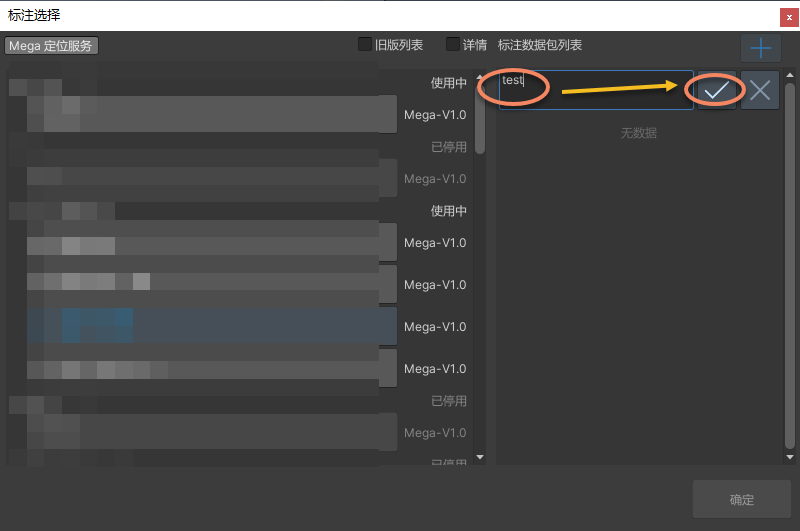
Select the created annotation dataset.
Upload annotation data
After annotation is complete, you can update annotation data to the server.
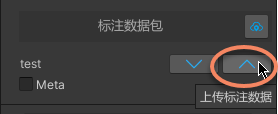
After uploading annotation data, it can be used in the verification tool in Mega Toolbox. Log in to Mega Toolbox with an EasyAR account and select this annotation dataset to perform on-site tracking and localization verification.
View uploaded annotation data
After annotation data is updated to the server, you can view this record in the corresponding service management.
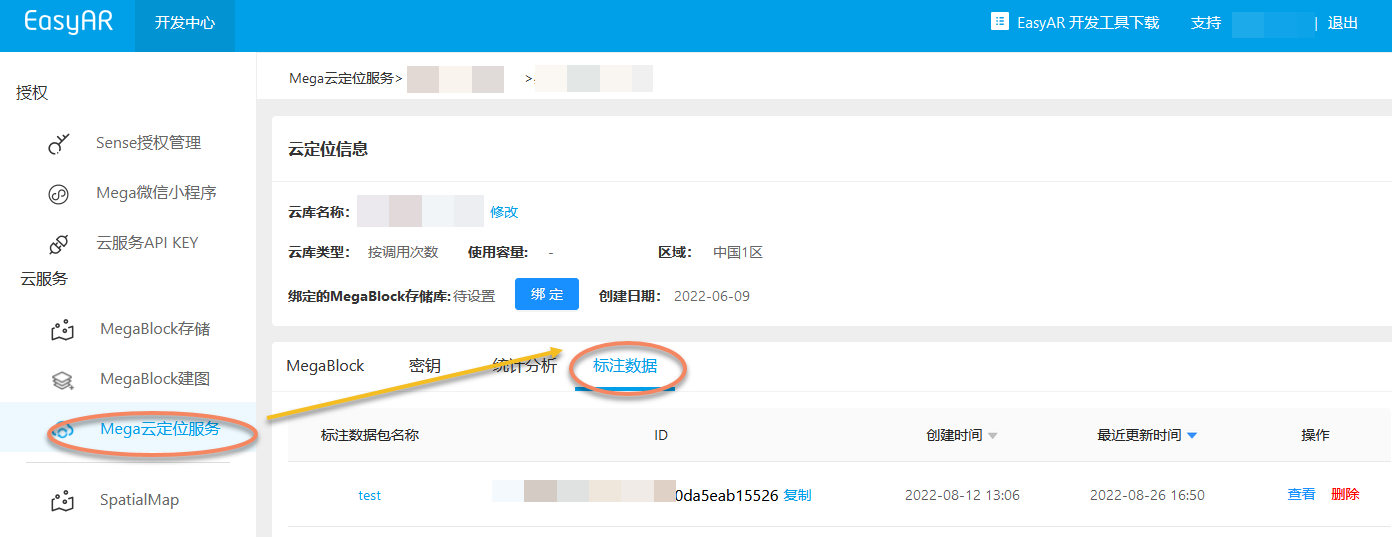
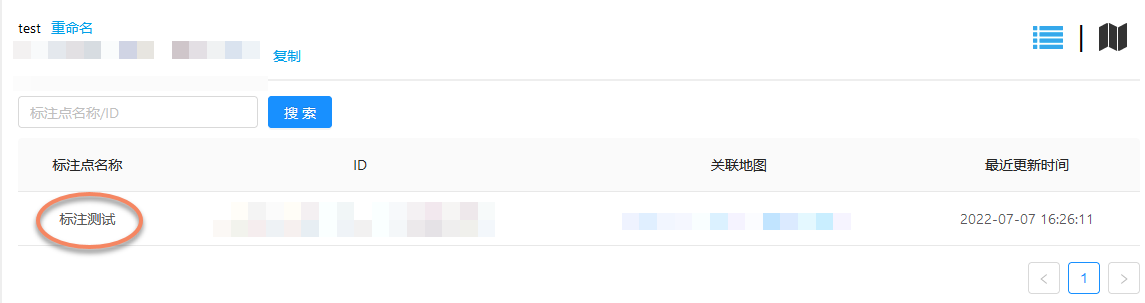
After clicking to enter, you can see some details of the annotation content.
Note
- The data synchronized to the server only contains the annotation data itself (you can export the annotation file to view details).
- If a model is added in Unity, the model content will not be synchronized to the server.
- EasyAR does not provide model storage and dynamic loading services.
Get annotation data
If you need to use this annotation dataset again, after selecting it, you can update annotation data from the server to the tool, and the annotation data will be displayed at the corresponding position.