Cameras and input extensions
This article introduces the camera model, parameters, and other usage notes for physical cameras, as well as how to extend input by using a custom camera.

Input frame
An input frame is a basic data unit in AR. It represents all related information of a frame captured from a camera or another data source. An input frame usually contains:
- Raw image data (camera image)
- Camera parameters (such as intrinsics)
- Timestamp
- Camera transform matrix in world coordinates
- Tracking status
This information provides AR algorithms with the spatiotemporal context data required for localization, tracking, rendering, and other tasks.
Physical camera
Cameras currently used on electronic devices are usually composed of multiple lenses and mirrors. However, actual optical structures are generally not used to build camera models. Instead, simplified models are used.
Pinhole camera model
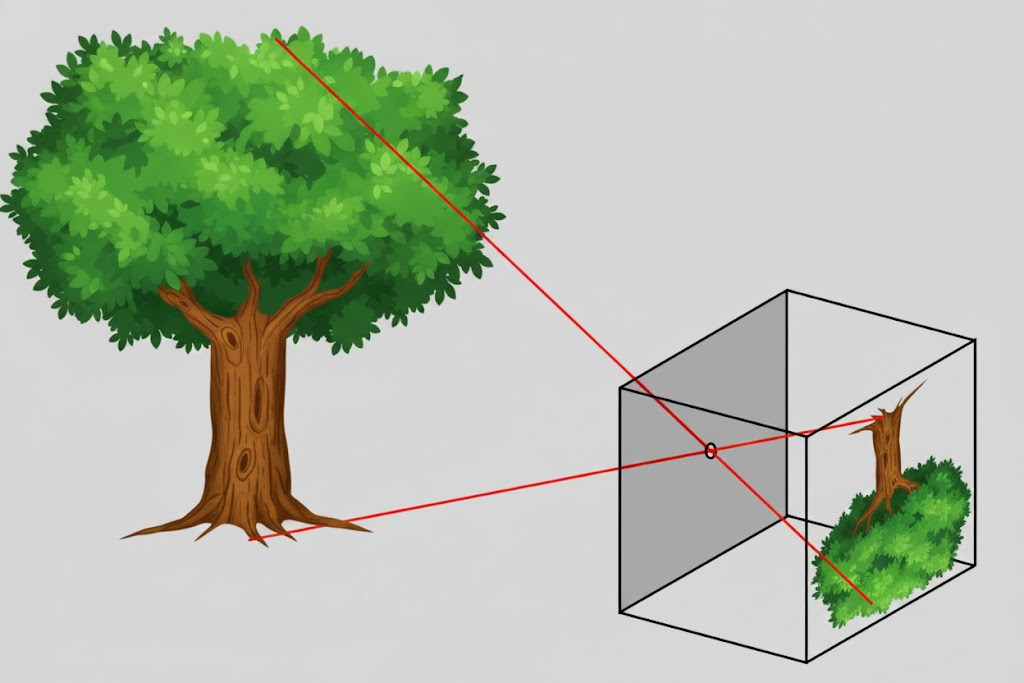
This is the simplest model commonly used. Light passes through a small hole and forms an image rotated by 180 degrees, but the data output by the camera turns the image upright. Six parameters are needed to describe this model: pixel width and height \(w, h\), pixel focal lengths \(f_x, f_y\), and principal point pixel positions \(c_x, c_y\). Note that when the pixel width and height are scaled, the pixel focal lengths and principal point pixel positions are also scaled accordingly, so the image position can remain unchanged.
OpenCV camera model
Some cameras have significant radial distortion and tangential distortion. The OpenCV camera model adds higher-order parameters to the pinhole camera model to describe radial distortion and tangential distortion. Radial distortion is described by \(k_1, k_2, k_3, \cdots\). Tangential distortion is described by \(p_1, p_2\).
Note
Some trackers do not support the OpenCV camera model.
OpenCV fisheye camera model
A fisheye camera uses perspective projection to compress wide-field-of-view content into a smaller imaging area. The OpenCV fisheye camera model does not include distortion correction. Based on the six parameters of the pinhole camera model, it uses \(k_1, k_2, k_3, k_4, \cdots\) for description.
Note
Some trackers do not support the OpenCV fisheye camera model.
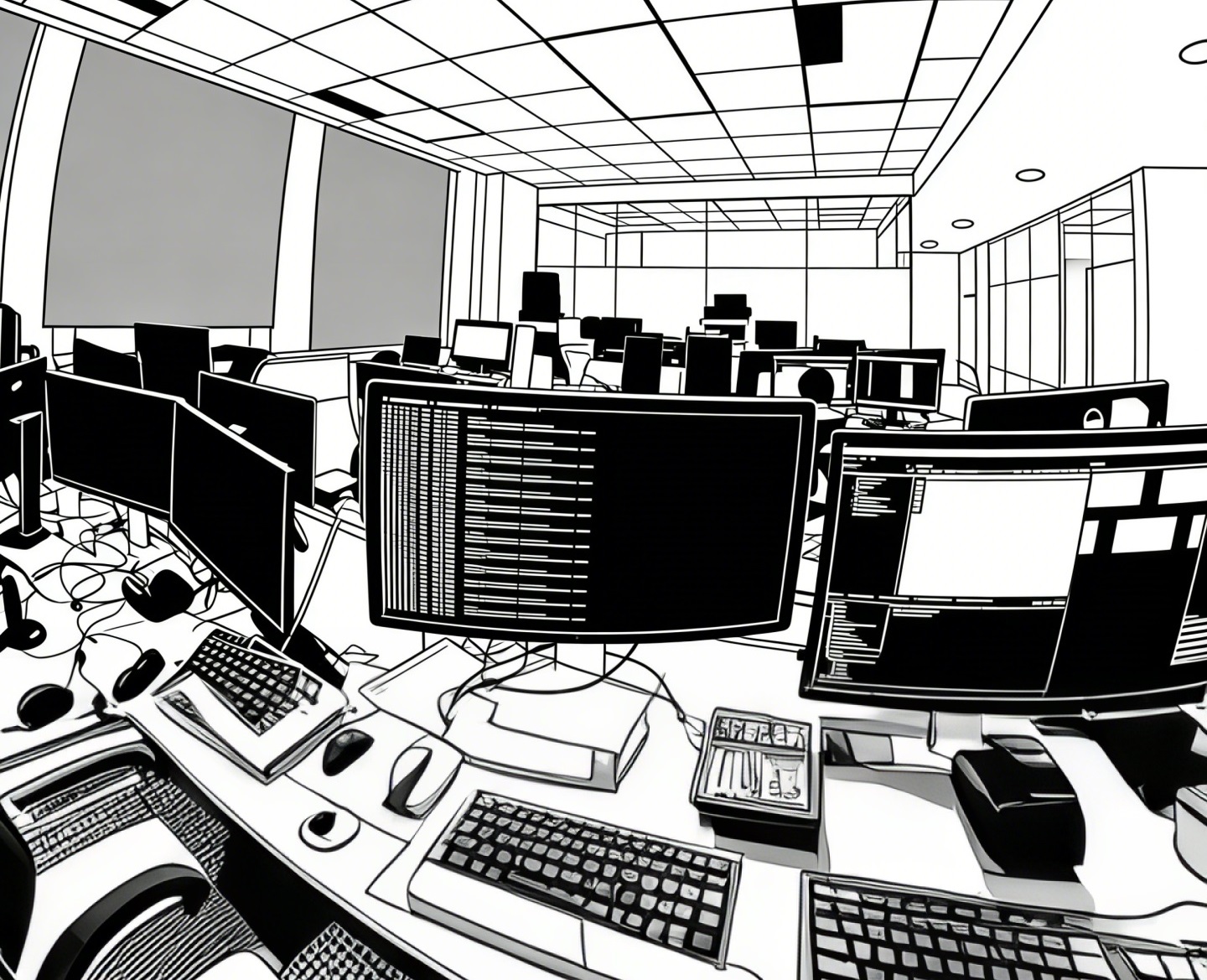
Camera orientation and image orientation
On mobile phones, when the phone is usually held horizontally (rotated 90 degrees counterclockwise from normal portrait holding) and the screen display orientation is also landscape, the image output by the rear camera is displayed on the screen in the same direction as the real scene. Changing only the screen display orientation without changing the physical screen orientation does not change the image orientation output by the physical camera. When the phone is held normally in portrait and the screen display orientation is also normal portrait, the image output by the rear camera needs to be rotated 90 degrees clockwise before being displayed on the screen to match the real scene. When the screen display orientation rotates, rendering the camera image requires reverse rotation compensation to match the real scene.
Camera orientation and image orientation are usually defined relative to the natural orientation of the device:
Phone
Android
Android defines a natural orientation, which is the direction when the phone is normally held in portrait. The inertial measurement unit (IMU) also uses this direction as its reference. The rotation angle of the camera output image relative to this direction can be obtained as a camera parameter.
iOS
On iOS, although natural orientation is not explicitly defined, the inertial measurement unit uses the same reference as Android.
Tablet
Some tablets have a natural orientation in landscape, while others use the same normal portrait orientation as phones.
Glasses
The natural orientation of glasses is usually landscape.
When rendering the camera image, camera orientation and screen orientation are combined for rendering.
Camera type and camera flip
Mobile phones generally have rear cameras and front cameras. Images output by the front camera need to be flipped horizontally before being displayed on the screen to simulate a mirror. Without horizontal flipping, the result looks very unfamiliar.
Input extension
EasyAR supports input extension by using a custom camera. A custom camera can support obtaining input frames from external sources and transmitting them into the AR system for trackers to use. You can implement image data acquisition for the custom camera yourself.
Platform-specific guides
The use of cameras and input extensions is closely related to the platform. Refer to the following guides for development according to your target platform: