Record EIF simulation data that can reproduce the issue with your application
When visual effects in the application are abnormal and you report the issue to the corresponding developers, you need to provide EIF data together with issue screenshots and screen recordings.
Prerequisites
The application should enable developer mode, or implement the EIF recording feature through in-app functionality.
Record EIF
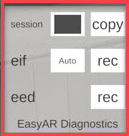
Quickly tap any blank area in the middle of the screen 8 times, and a new pop-up window will appear.
Note
This operation only applies to applications that enable developer mode with the default configuration. If a custom switch or another recording method is used, operate according to the corresponding method.
Tap the
recbutton in theeifrow to start recording.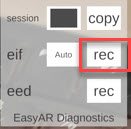
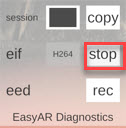
After the abnormal phenomenon is reproduced, tap the
stopbutton in theeifrow to end recording.