EIF file export method
After recording EIF data, you need to export it. The export methods are as follows:
Android devices
Complete the connection between the device and the computer.
Read local files on the device.
EIF file paths:
Recorded by MegaToolbox: Android/data/com.easyar.mega.toolbox/files/MegaStudio/FrameStream
Recorded by a headset device or inside your application: Android/data/"your package name"/files/Select the corresponding data file and perform the export operation.
iOS devices
Prerequisites:
Install iTunes on the Windows computer.
iTunes international version address:
Export steps:
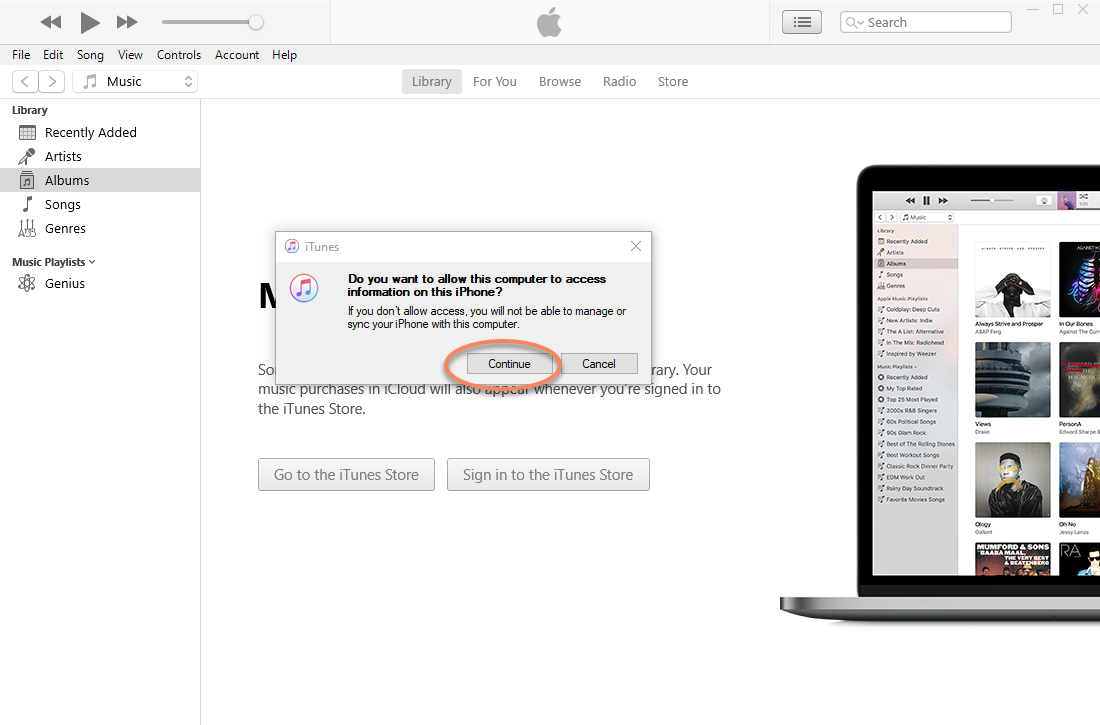
- Connect the phone to the computer and complete authorization.
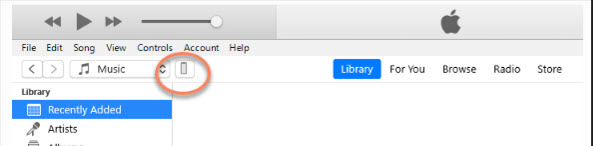
Click the phone icon.
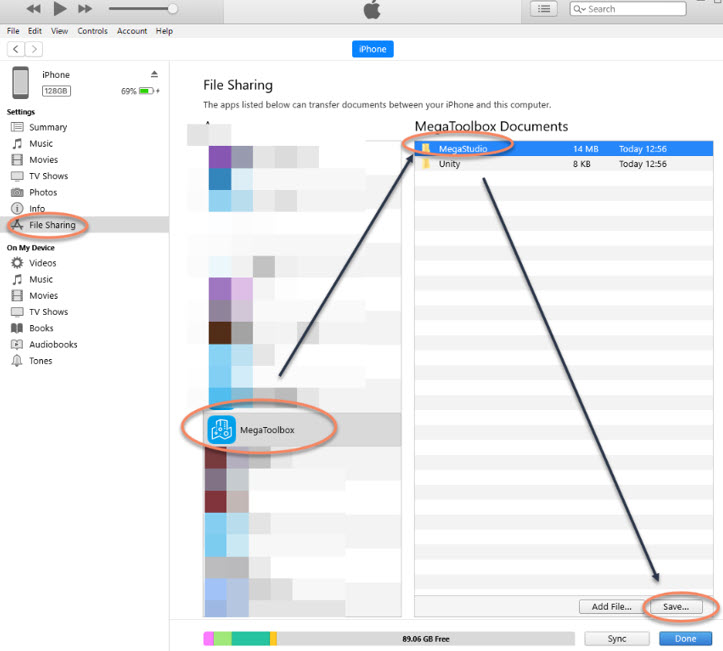
Click File Sharing.
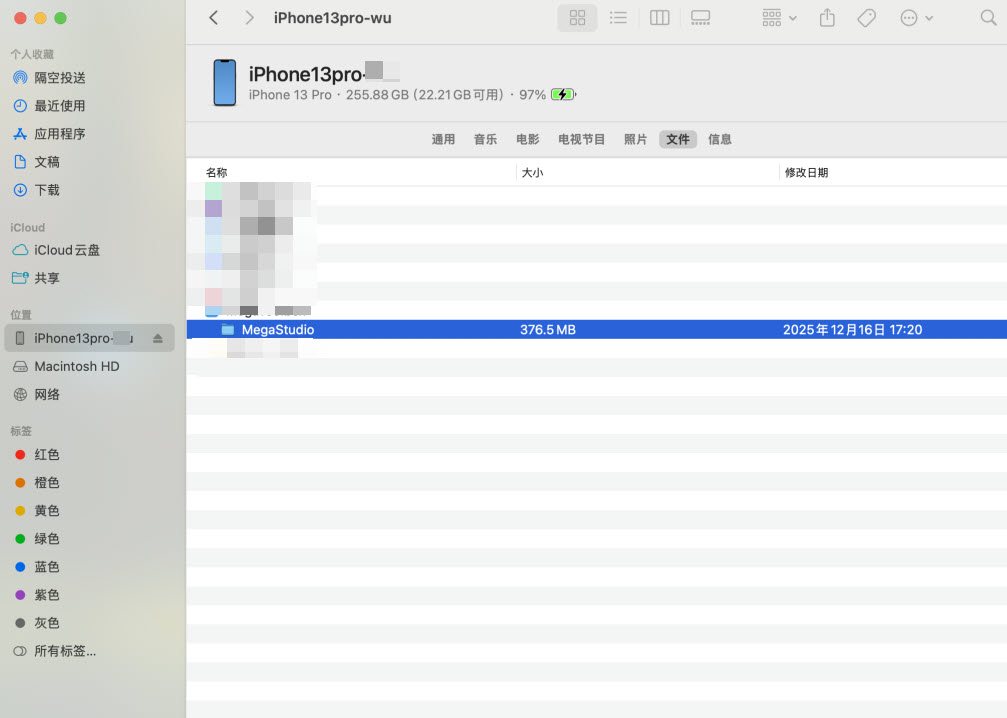
Find the MegaStudio folder under the MegaToolbox App.
Click Save. If the file is large, wait patiently and make sure all files are fully exported.

Related topics
Use your app to record EIF simulation data that can reproduce the issue
Use Mega Toolbox on a phone to record EIF simulation data that can reproduce the issue
Use a sample on a headset to record EIF simulation data that can reproduce the issue