Use the sample to record EIF simulation data that can reproduce issues on headsets
When visual effects on glasses devices are abnormal and you report the issue to the corresponding developers, you should provide EIF data together with screenshots and screen recordings of the abnormal scene.
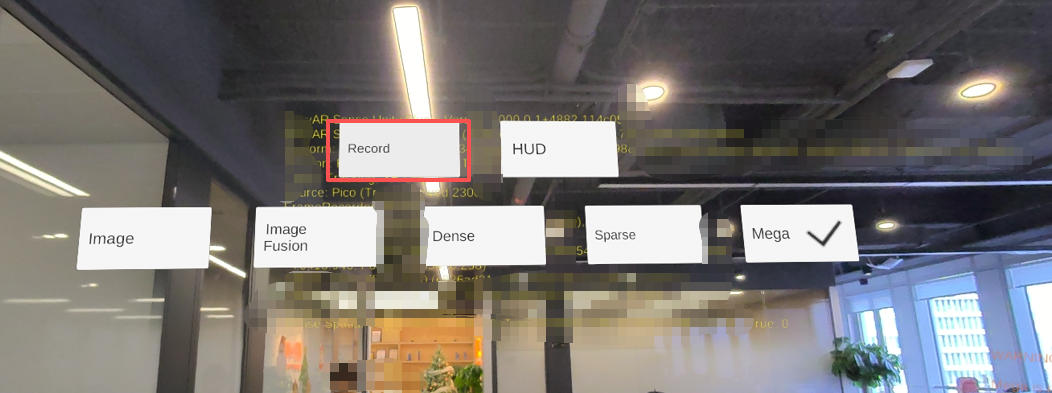
Steps to record EIF
Package the sample program:
For related device project configuration, see Android device project configuration.
Launch the sample application.
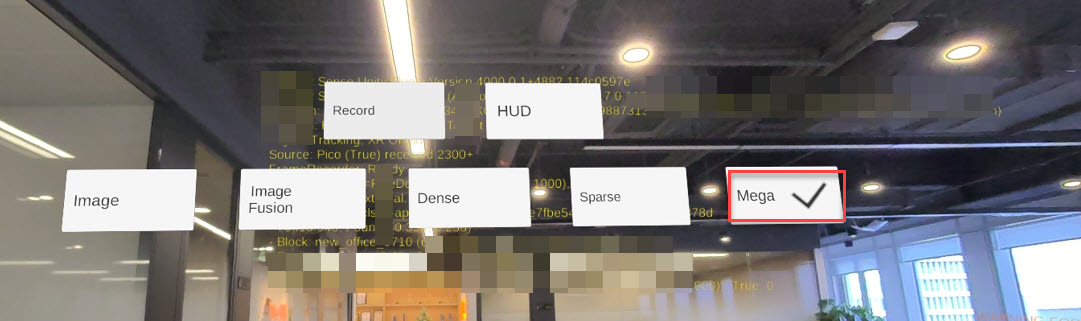
Tap the Mega button to perform localization.
- Tap the Record button to record an eif file.
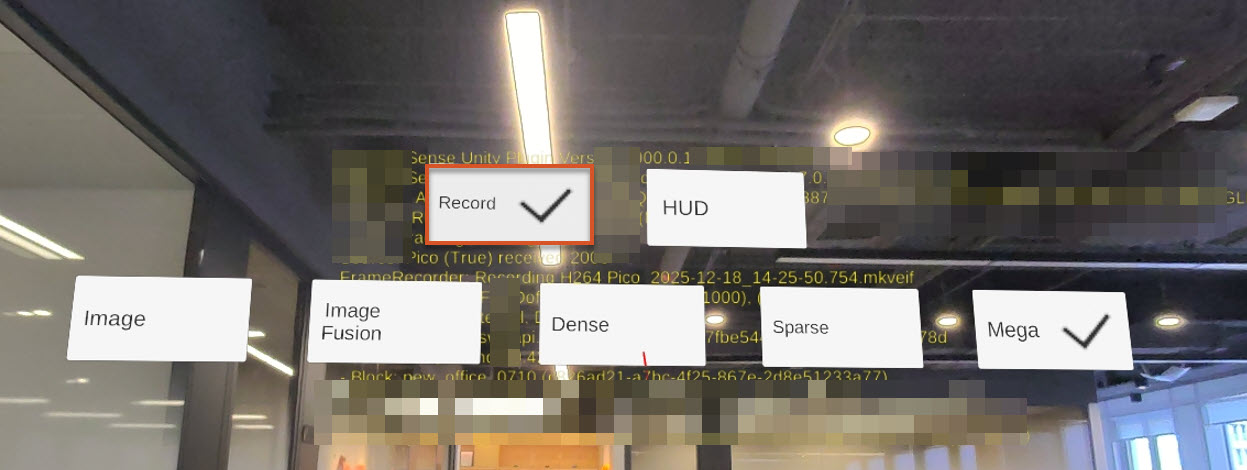
- After the abnormal phenomenon is reproduced, tap the Record button again to stop recording the eif file.