Use Mega Toolbox to Record EIF Simulation Data That Can Reproduce an Issue on a Phone
When reproducing an issue, select the On-site Verification and Diagnostics Tool mode. This feature supports localization and recording at the same time.
Enter the Localization Test Screen
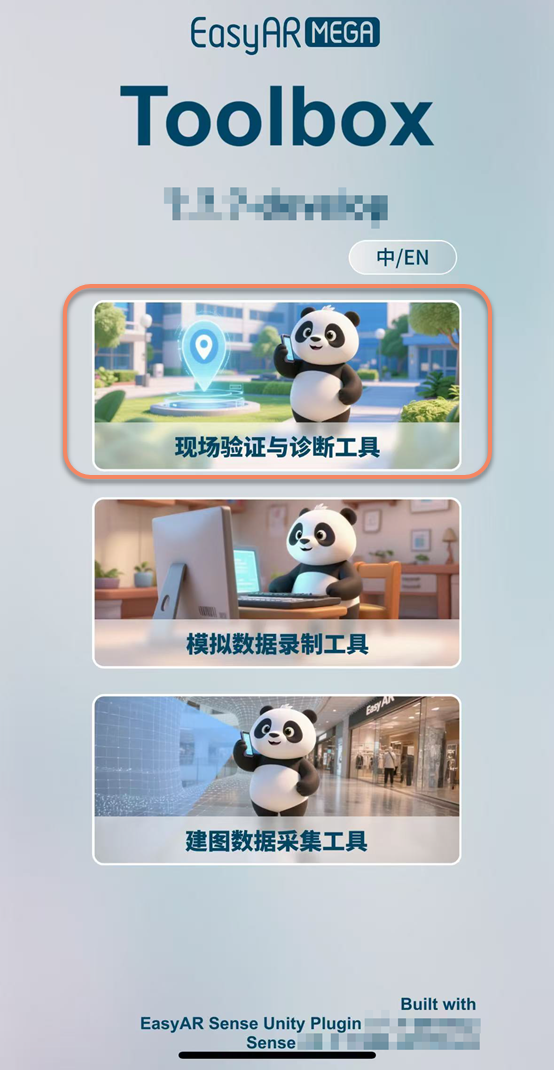
Select the first On-site Verification and Diagnostics Tool entry.
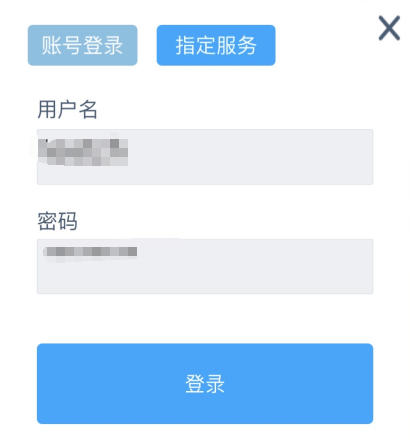
Log in to Your Account
Enter the Developer Center account for the EasyAR official website where the localization service is located.
Localization Configuration
Select the corresponding localization service and annotation data.

Runtime Environment Configuration
After selecting the annotation data, a prompt asking Whether on-site testing is in progress appears. Select Yes. You must test on site to collect EIF data.

Reproduce the Issue and Record EIF Data
Start localization, then tap the
red circularbutton at the bottom to start recording EIF data.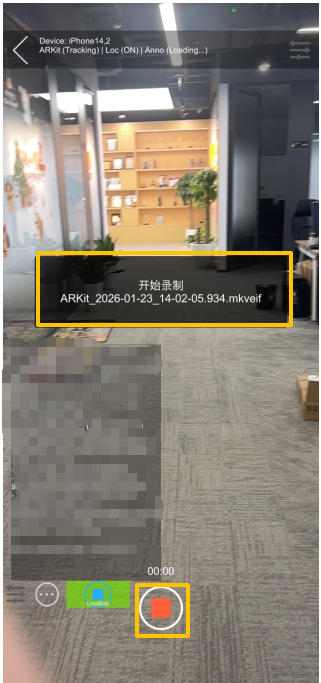
After the abnormal behavior is reproduced, tap the
red squarebutton at the bottom to stop recording EIF data.

Note
It is recommended to keep each recording to about 1 minute, and the recorded video must contain the abnormal behavior, otherwise the data is invalid.
For detailed instructions, see the On-site Verification and Diagnostics Tool section in Mega ToolBox User Manual.