Run EasyAR Windows samples
This article introduces how to run the native Windows samples provided by EasyAR. HelloARQt is used as an example here to introduce how to run a sample. You can refer to this article for how to use other samples.
Preparation
Before you begin, make sure the following are prepared
- Visual Studio 2022 or later (for samples with
.vcxprojprojects) - CMake 3.8 or later (for samples with
CMakeLists.txt) - Qt 5.4 or later (Qt samples)
- (USB) camera, connected and working properly.
- Visual Studio 2022 or later (for samples with
Download EasyAR Sense native samples and unzip them
Obtain a License Key from EasyAR Developer Center (Chinese site / English Site)
Note
Make sure the C++ support libraries of Visual Studio have been installed. These are not installed automatically in the default Visual Studio installation.
Compile and run EasyAR Windows samples
The following uses HelloARQt as an example to introduce how to compile and run the official EasyAR Windows samples.
Open CMake, specify the
where is the source codedirectory as the downloaded and unzipped sample directory, and set the path for binary files.Click
Configure. In the pop-up window, select the system's Visual Studio version. If some paths (such as Qt) are not automatically set and an error is reported, modify them manually andConfigureagain until there are no errors.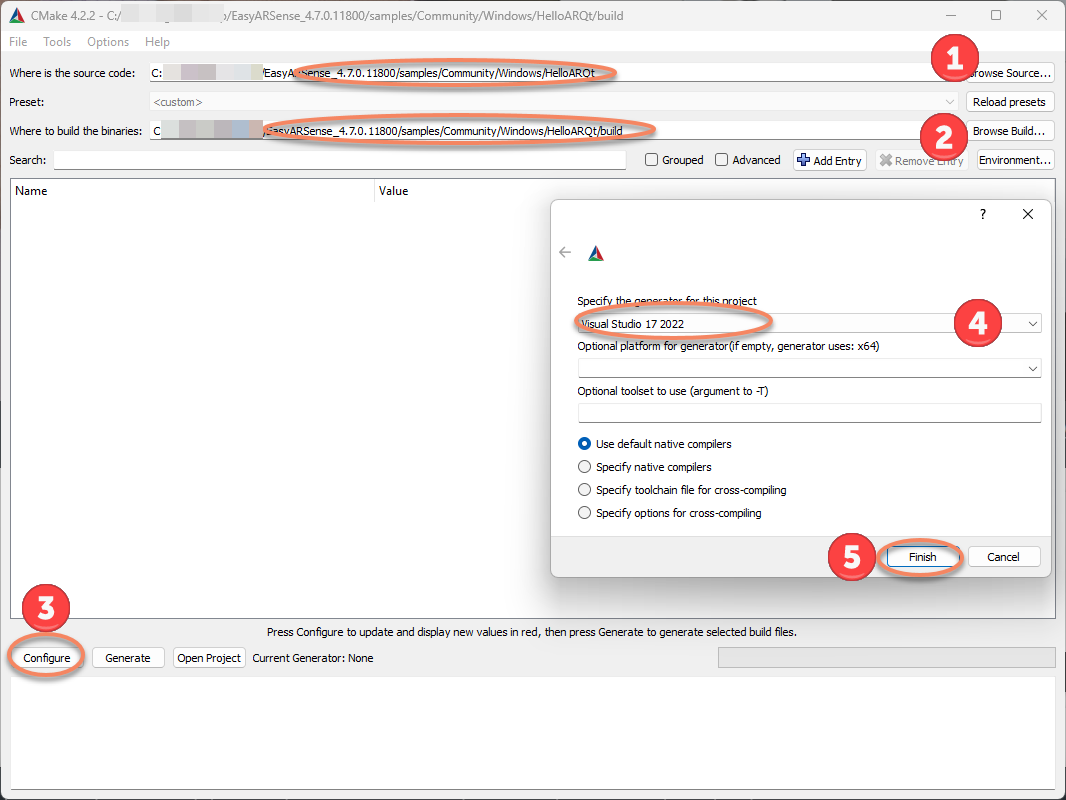
Click
Generateto generate project files.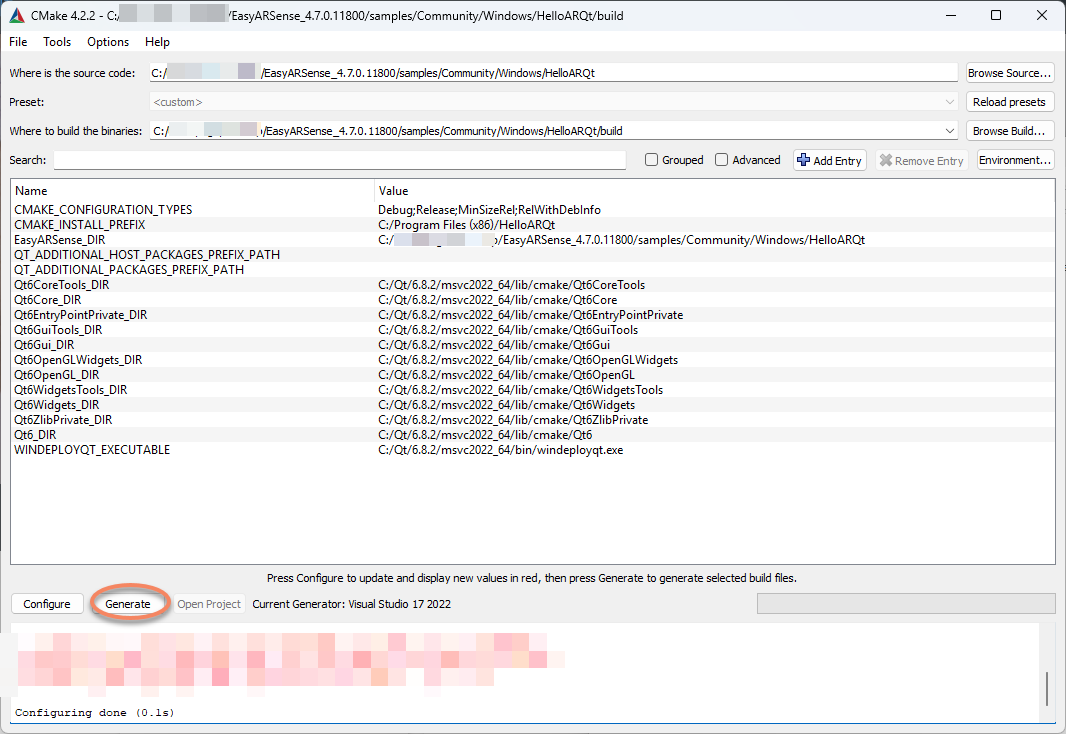
Click
Open Projectto open the project in Visual Studio.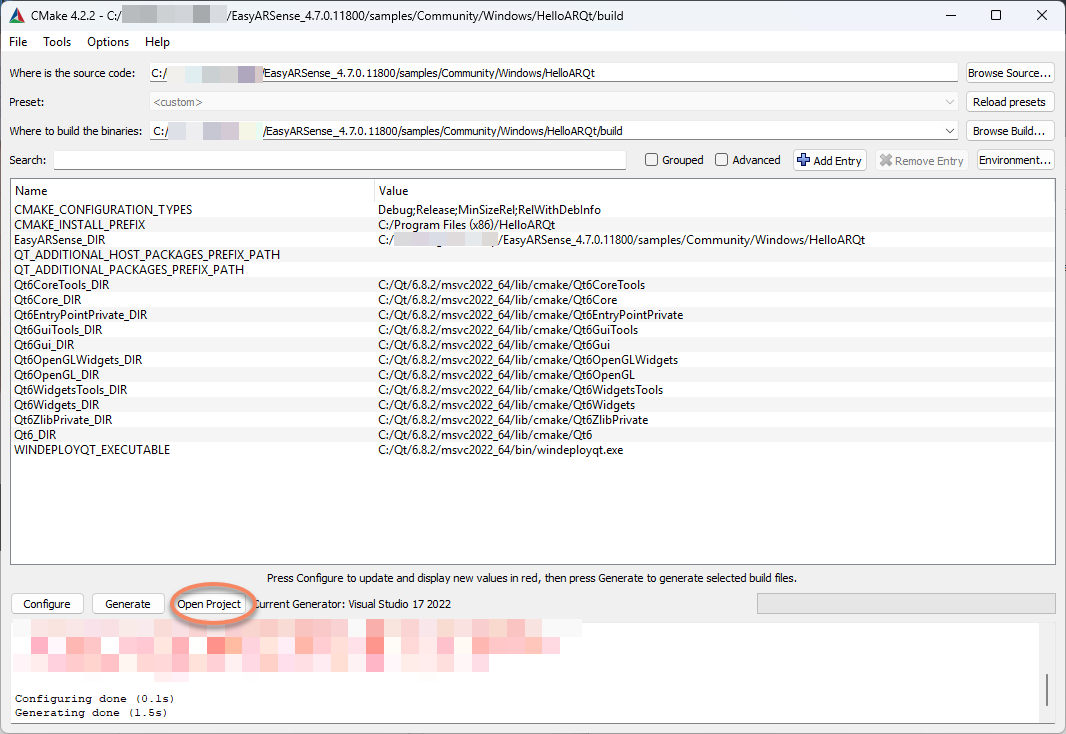
Click Run in Visual Studio. In the input box of the running window, fill in the License Key obtained from the official website, and click
Startto run the sample.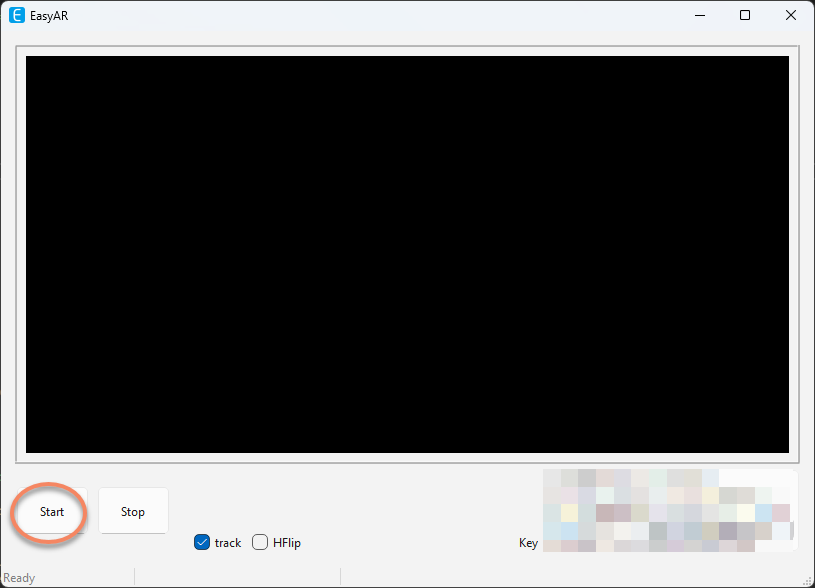
FAQ
If Qt cannot be found at runtime, the solution is to add the Qt path to the PATH environment variable, then log out and log back in to the computer.
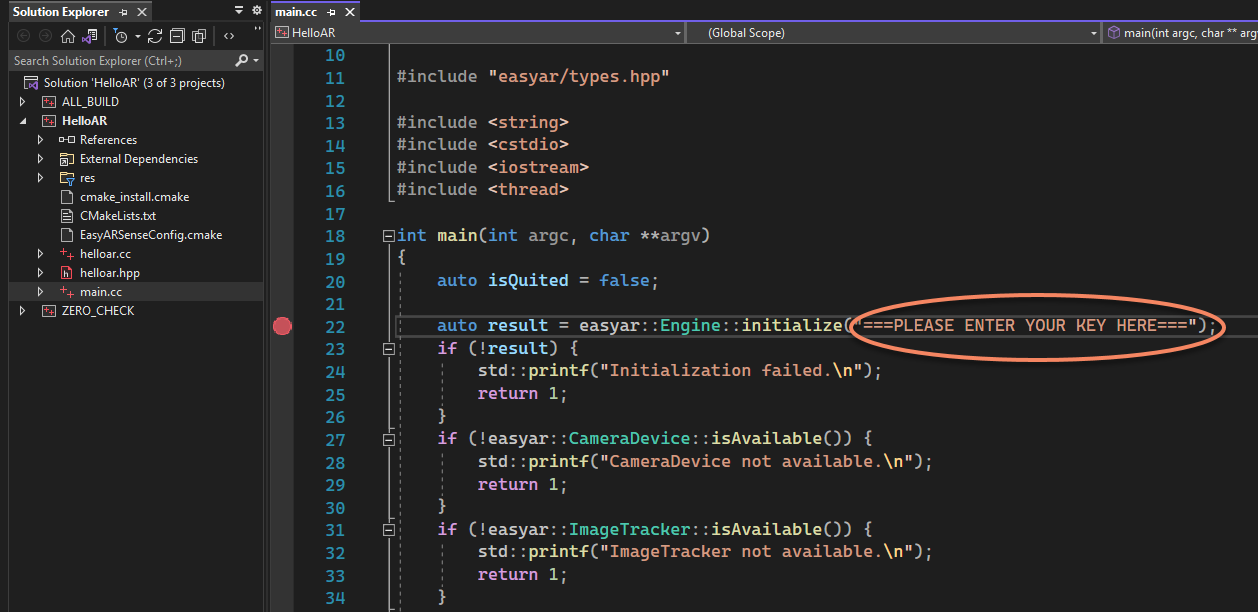
The HelloARQt described above enters the License Key at runtime, but some samples need the license to be filled in before running, usually at the
initializecode, such as the HelloAR sample where the License is filled inmain.cc.