Quick start for WeChat Mini Program development with image cloud recognition
This article guides you through quickly developing an AR application based on EasyAR image cloud recognition on WeChat Mini Program. With this article, developers can learn how to integrate EasyAR cloud recognition capabilities in the WeChat Mini Program environment and use the XR-FRAME framework to build an interactive AR experience.
Development preparation
- WeChat DevTools.
- Obtain "AppID (Mini Program ID)". If you do not have one, register a WeChat Official Accounts Platform account or apply for a test account.
- Download WeChat DevTools.
- An API Key that supports cloud recognition.
- A running cloud recognition database.
Upload cloud recognition images
Prepare a recognition image and upload it to the cloud recognition database. For the upload method, refer to image database management.
Download Sample
Download "EasyAR CRS 微信小程序Sample" from the EasyAR download page.

Configure sample
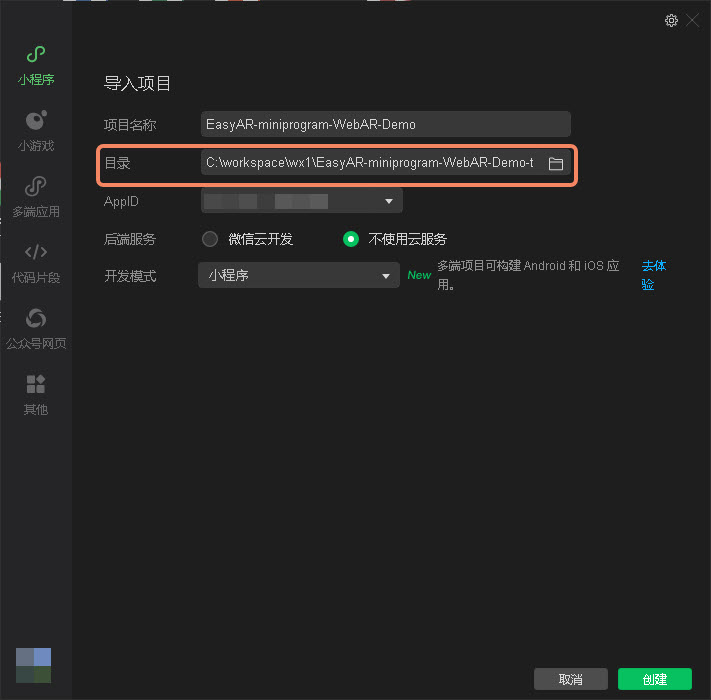
- Extract the downloaded "EasyAR-miniprogram-WebAR-Demo-tracking.zip" to your directory.

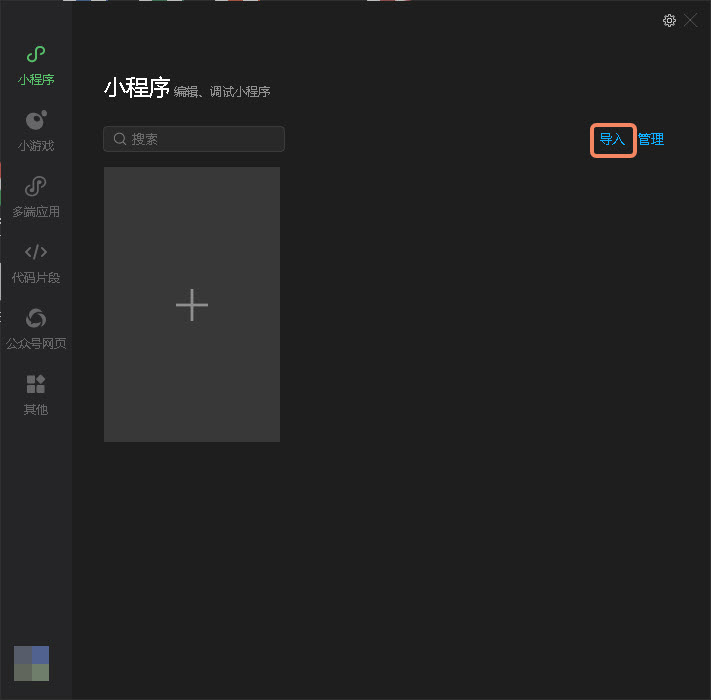
- Import it into WeChat DevTools.
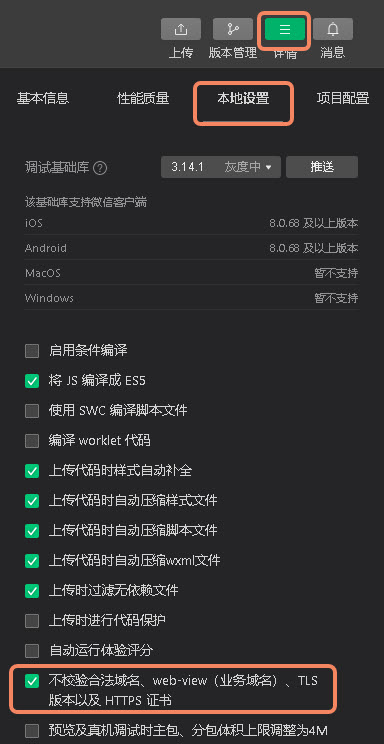
- In "本地设置" under "详情", select "不检验合法域名、web-view(业务域名)、TLS版本以及HTTPS证书".
- Preview effect in "微信开发者工具".
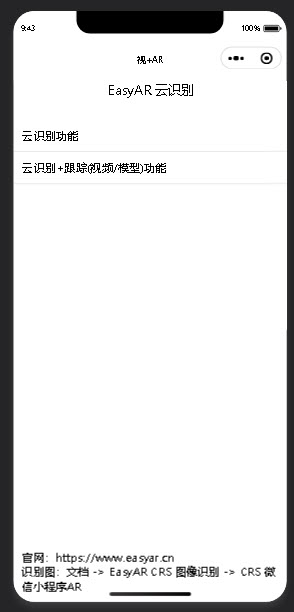
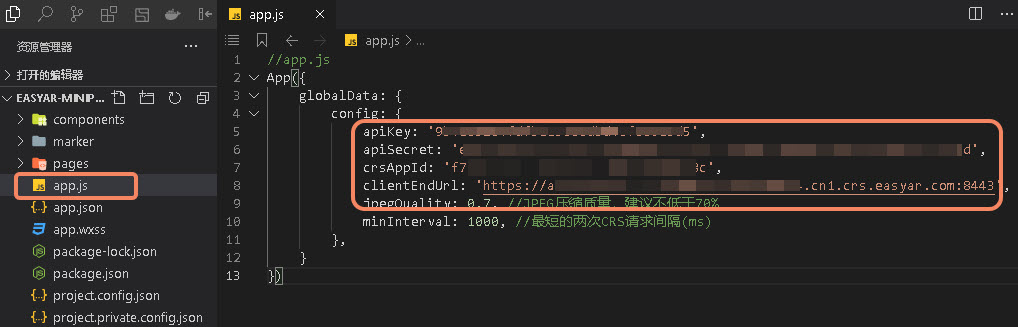
- Configuration items have been reserved in the sample code. Configure them according to your actual environment.
Effect preview
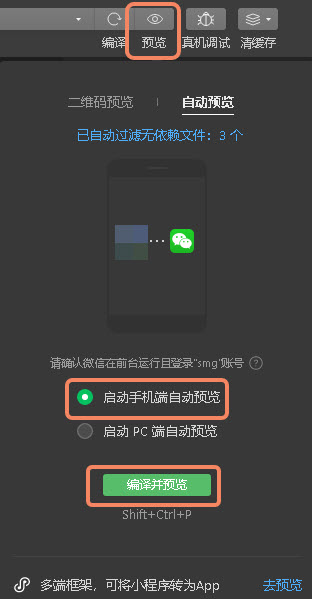
- Click "预览" in "微信开发者工具".
- Select "启动手机端自动预览".
- Click "编译并预览"
Tip
Do not use "真机调试".
- Runtime effect on the phone.
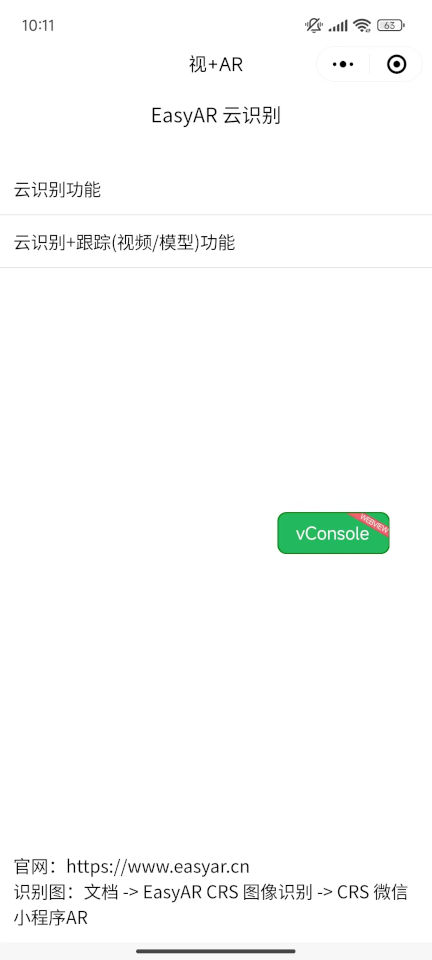
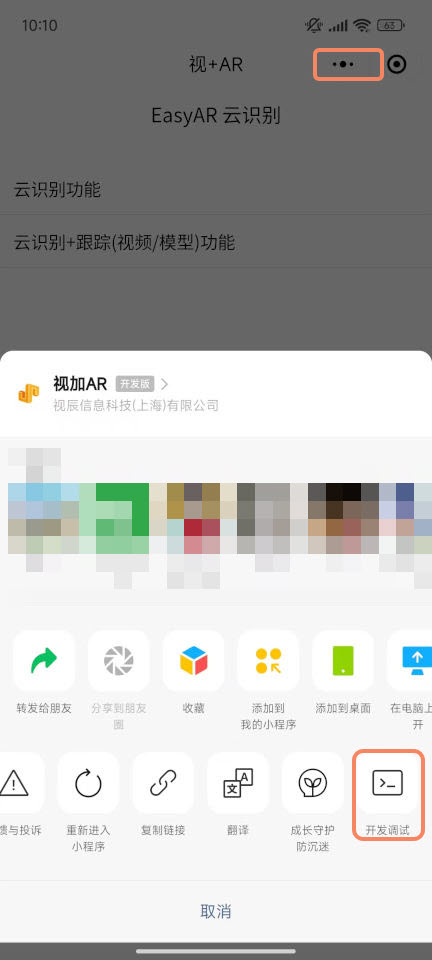
- If you have not added the domain name to the list of valid request domains, enable "开发调试". The opening method is as follows:
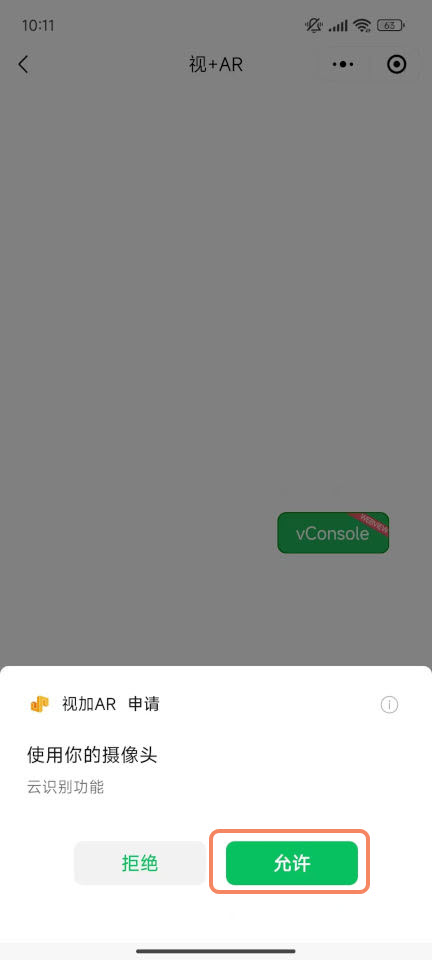
- If this is the first run, click "允许" to authorize camera access.
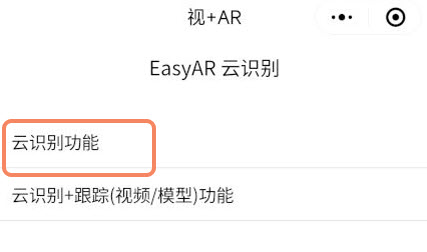
- Click "云识别功能" on the preview page.
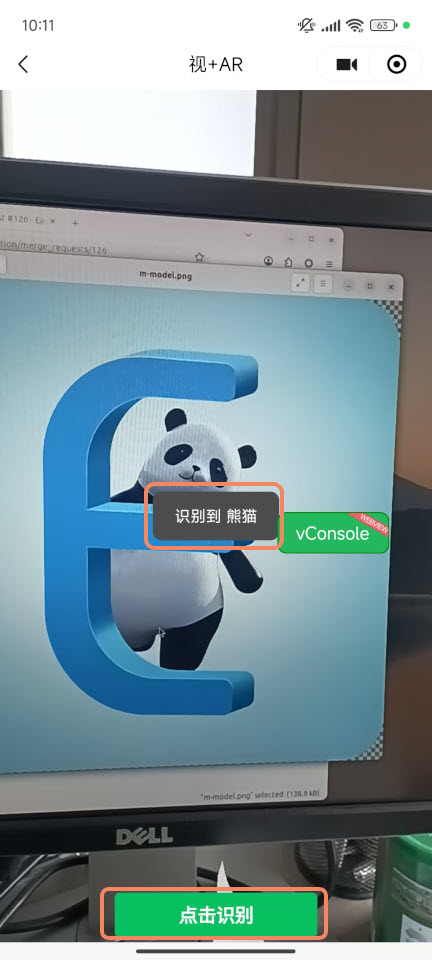
- Point the phone camera at the recognition image you uploaded, and click "点击识别". If the target is recognized, the name of the recognized target will pop up.